The increasing accessibility of powerful, low-cost single-board computers and optimized AI frameworks is empowering enthusiasts and developers to build their own portable, on-device AI assistants, moving beyond cloud-dependent solutions. This trend allows for highly customized, privacy-focused intelligent devices that can enhance daily tasks directly from your pocket.
What is a Pocket AI Device?
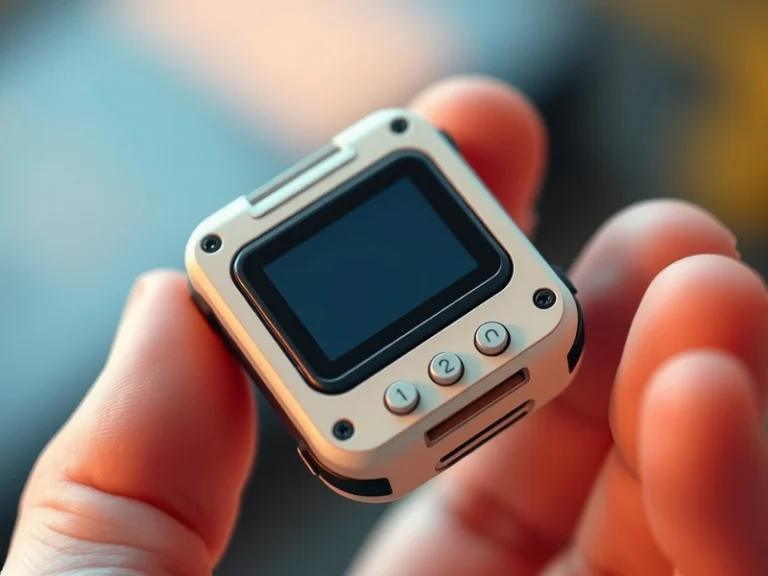
At its core, a pocket AI device is a small, self-contained computing unit capable of running artificial intelligence models locally, without constant reliance on internet connectivity for inference. Unlike a smartphone running cloud-based AI, these devices emphasize on-device processing, often focusing on specific tasks like voice interaction, image recognition, or local data analysis. The appeal lies in enhanced privacy, reduced latency, and the freedom to tailor functionality precisely to individual needs.
Common use cases for such devices include:
- Personalized Voice Assistants: Responding to queries, controlling smart home devices, or performing quick calculations without sending data to remote servers.
- On-Device Image/Object Recognition: Identifying plants, animals, or specific objects in real-time for educational or assistive purposes.
- Environmental Monitoring: Analyzing sensor data (e.g., air quality, sound patterns) and providing localized insights.
- Contextual Reminders: Using location or sensor data to trigger reminders or information based on the user’s immediate environment.
Key Hardware Components
Building a portable AI device requires a careful selection of components that balance computational power with low power consumption and a small form factor.
- Single-Board Computer (SBC): This is the brain of your device. Popular choices include:
- Raspberry Pi (e.g., Pi Zero 2 W, Pi 4, Pi 5): Versatile, widely supported, and offers GPIO pins for easy peripheral integration. The newer models provide significant processing power for their size.
- NVIDIA Jetson Nano / Orin Nano: Designed specifically for AI and machine learning at the edge, offering GPU acceleration for more demanding inference tasks.
- Google Coral Dev Board: Features Google’s Edge TPU, optimized for TensorFlow Lite models, providing excellent performance for vision and other specific AI tasks.
- Input Peripherals:
- Microphone: Essential for voice interaction. USB microphones or I2S digital microphones are common.
- Camera Module: For computer vision tasks. Raspberry Pi Camera Modules are popular for their SBC compatibility.
- Buttons/Sensors: For user input or collecting environmental data (e.g., accelerometer, gyroscope, temperature/humidity sensors).
- Output Peripherals:
- Speaker/Audio Jack: For voice responses or audio feedback. Small mono speakers are often sufficient.
- Display: Small OLED or LCD screens (e.g., 128×64 or 240×240 pixels) can provide visual feedback or display information.
- LEDs: Simple indicators for status or alerts.
- Power Source:
- Portable Battery Pack: A high-capacity LiPo battery or a standard USB power bank is crucial for untethered operation. Power management circuits are often needed to safely charge and discharge.
- Enclosure:
- A custom 3D-printed case is common, allowing for precise fitting of components and aesthetic design. Off-the-shelf project boxes can also be adapted.
Essential Software Stack
The software stack brings the hardware to life and enables the AI capabilities.
- Operating System: Most SBCs run a flavor of Linux, such as Raspberry Pi OS (Debian-based), Ubuntu, or custom distributions optimized for edge AI.
- Programming Language: Python is the de facto standard due to its extensive libraries and ease of use, especially for AI development.
- AI Frameworks for Edge Devices:
- TensorFlow Lite: Google’s framework for on-device machine learning, supporting quantized models for efficient inference on resource-constrained hardware.
- PyTorch Mobile: A deployment solution for PyTorch models on mobile and edge devices, offering similar optimization benefits.
- ONNX Runtime: Supports models from various frameworks (TensorFlow, PyTorch, scikit-learn) and optimizes them for different hardware.
- AI Models:
- Pre-trained Models: Many publicly available models (e.g., for speech recognition, object detection) can be fine-tuned or used directly.
- Custom-trained Models: For highly specific tasks, models can be trained on custom datasets and then optimized (e.g., quantized) for edge deployment.
- Local LLMs: Projects like Llama.cpp demonstrate the feasibility of running smaller large language models locally on capable SBCs, offering advanced conversational AI.
- Libraries and APIs:
- Speech-to-Text (STT): Libraries like Mozilla DeepSpeech (now Coqui STT) or Whisper for local transcription.
- Text-to-Speech (TTS): Tools such as espeak-ng, Coqui TTS, or Mycroft Mimic can synthesize speech on-device.
- Computer Vision: OpenCV is a powerful library for image and video processing.
- System Integration: Python libraries for interacting with GPIO pins, I2C, SPI, and other hardware interfaces.
Steps to Build Your Own
While specific implementations will vary, the general process for creating a pocket AI device follows a similar pattern:
- Define Your Project Goal: Clearly outline what your device should do. This will dictate your hardware and software choices. For example, a voice assistant needs a mic and speaker, while an object detector needs a camera.
- Select Your Hardware: Choose an SBC, microphone, speaker/display, and battery based on your defined goal and budget. Consider power requirements and physical size.
- Set Up the Operating System: Flash your chosen Linux distribution onto an SD card or eMMC module for your SBC. Configure basic network access and necessary drivers.
- Install Dependencies: Install Python, pip, and the chosen AI framework (TensorFlow Lite, PyTorch Mobile, etc.). Add any specific libraries for peripherals (e.g., `RPi.GPIO` for Raspberry Pi).
- Integrate Peripherals: Physically connect your microphone, speaker, camera, and display. Test their basic functionality using command-line tools or simple scripts.
- Choose and Optimize Your AI Model: Select a pre-trained model or train your own. Critically, convert and quantize the model for efficient inference on your edge device using tools provided by your chosen AI framework.
- Develop the Application Logic: Write Python scripts to tie everything together. This involves:
- Capturing input (e.g., audio from mic, image from camera).
- Pre-processing the input for your AI model.
- Running inference on the optimized AI model.
- Processing the AI model’s output.
- Generating output (e.g., playing speech via speaker, displaying text on screen, triggering an action).
- Power Management and Enclosure: Design a robust power solution for portability, including battery charging and discharge protection. 3D print or modify an enclosure to house all components securely.
- Test, Debug, and Iterate: Thoroughly test your device in various scenarios. Optimize code for performance and power efficiency. Refine the user experience.
Challenges and Considerations
Building these devices comes with its own set of challenges. Power efficiency is paramount for a portable device, requiring careful component selection and software optimization. The computational limitations of edge hardware mean that model selection and optimization (like quantization) are critical for achieving acceptable performance. Integrating various hardware and software components can also be complex, often requiring debugging at multiple levels. However, overcoming these challenges offers a deeply rewarding experience and a tangible demonstration of personalized AI.