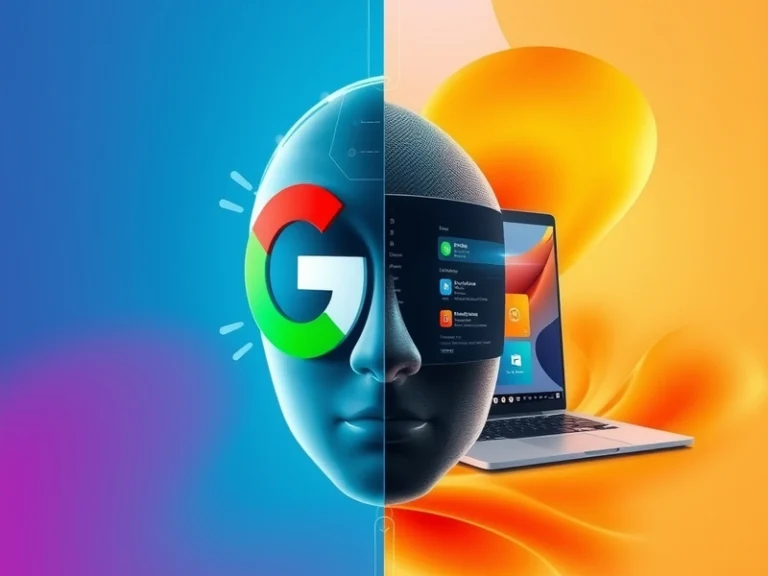
Google’s Gemini AI assistant is now available for Windows users, providing a dedicated pathway to access its conversational and generative AI capabilities directly from the desktop environment.
This move marks a significant expansion for Gemini, which began its journey as Bard and has since evolved into a suite of multimodal AI models and an overarching AI assistant experience. Initially accessible primarily through web browsers and dedicated mobile applications on Android and iOS, its arrival on Windows signals Google’s intent to integrate its AI offerings more deeply into the desktop workflow of a vast user base.
For Windows users, Gemini is typically accessible through a standalone desktop application or a quick-access shortcut that launches a dedicated interface. This implementation aims to provide a more integrated experience than simply opening a browser tab, allowing users to invoke Gemini swiftly for a variety of tasks without interrupting their current application flow. While the exact depth of system-level integration may vary compared to native Windows features, the dedicated application brings Gemini’s core functionalities directly to the PC environment.
Users can leverage Gemini on Windows for a wide array of productivity and creative tasks:
- Content Generation: Drafting emails, reports, marketing copy, or creative stories.
- Information Synthesis: Summarizing lengthy documents, articles, or web pages.
- Brainstorming and Ideation: Generating ideas for projects, presentations, or problem-solving.
- Coding Assistance: Explaining code snippets, debugging, or generating simple scripts.
- Learning and Research: Asking complex questions and receiving concise, conversational answers.
This integration positions Gemini as a direct competitor to Microsoft’s Copilot, which is deeply embedded within Windows 11 and the Microsoft 365 ecosystem. Copilot offers context-aware assistance, interacting with local files, system settings, and applications like Word, Excel, and Outlook. Google’s strategy with Gemini on Windows appears to be centered on providing a robust, general-purpose AI assistant that can seamlessly integrate with a user’s broader Google ecosystem, including services like Gmail, Google Docs, and Google Calendar, for those already invested in it.
The availability of Gemini on Windows intensifies the competition in the desktop AI assistant space. Users now have a choice between two powerful AI platforms, each backed by a tech giant and offering distinct advantages. For those who primarily use Google’s suite of productivity tools, Gemini’s presence on the desktop could streamline their workflows by keeping their AI assistant aligned with their core applications. Conversely, users deeply integrated into the Microsoft ecosystem might find Copilot’s native integration more compelling.
This development underscores a broader trend: the strategic importance of embedding AI directly into the operating system and desktop environment. As AI capabilities become more sophisticated, tech companies are vying to make their assistants the primary interface for user interaction, extending beyond web browsers and mobile devices. The battle for desktop AI dominance promises to drive innovation, potentially leading to more advanced features, deeper integrations, and a richer user experience from both Google and Microsoft as they compete for user adoption.