The concept of ChatGPT integrating directly into browser functionality to manage tasks seamlessly, as suggested by the phrase “ChatGPT Takes Over Your Chrome,” primarily manifests through a combination of official AI model capabilities and a burgeoning ecosystem of third-party browser extensions.
While OpenAI’s ChatGPT itself does not natively “take over” the Chrome browser interface in the way an operating system might, its advanced language model capabilities are increasingly accessible within the browsing experience. For subscribers to services like ChatGPT Plus, the “Browse with Bing” feature allows the model to access and process real-time information from the internet. This capability enables ChatGPT to read web pages, summarize articles, extract data, and answer questions based on current online content, effectively extending its knowledge base beyond its training cutoff date. This is an integration at the level of information retrieval and processing, rather than direct browser control.
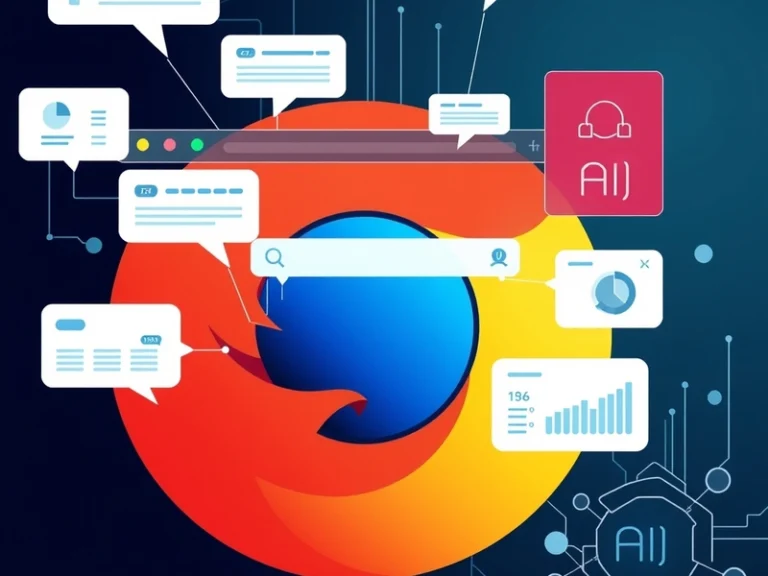
The more direct “taking over” of browser functionality, in terms of managing tasks and interacting with web elements, largely falls to a vibrant landscape of third-party Chrome extensions. These extensions leverage ChatGPT’s API (or APIs from similar large language models) to embed AI assistance directly into the user’s browsing workflow. They operate by injecting scripts into web pages, accessing the browser’s DOM (Document Object Model), and interacting with user input fields or selected text.
Common Integrations via Chrome Extensions
These extensions typically enhance productivity and information processing within the browser across several key areas:
- Content Summarization: Many extensions can summarize long articles, research papers, or even YouTube video transcripts with a single click, providing concise overviews without needing to navigate away from the page.
- Writing Assistance: Integrated AI tools can help users draft emails in Gmail, compose social media posts, generate responses in forums, or refine text within various web applications. They can suggest rephrasing, expand on ideas, or correct grammar and style.
- Search Enhancement: Some extensions augment standard search engine results by displaying AI-generated summaries or answers alongside traditional links, offering quicker access to information derived from multiple sources.
- Data Extraction and Structuring: AI can be used to extract specific pieces of information from complex web pages, such as contact details, product specifications, or event dates, and present them in a structured format.
- Meeting and Communication Tools: Certain extensions can transcribe and summarize online meetings conducted through browser-based platforms, or help manage customer service interactions by suggesting responses in real-time.
These tools aim to streamline tasks that would otherwise require copying text, switching tabs, or manually synthesizing information, thereby creating a more seamless workflow directly within the browser context.
The Broader AI-Browser Landscape: Google Gemini and Native Integration
It is also important to consider the broader competitive landscape, particularly Google’s own AI offerings. Google’s Gemini (formerly Bard), for instance, offers a more natively integrated experience with other Google services directly within the browser environment. Gemini’s “Extensions” feature allows it to connect with Google Workspace applications like Gmail, Google Docs, Google Maps, and YouTube. This means a user can, for example, ask Gemini to summarize recent emails from a specific sender, draft a document based on a web page, or plan a trip using information from Maps and YouTube, all without leaving the Gemini interface, which itself is browser-based.
This approach from Google represents a powerful form of “seamless task management” where the AI is deeply embedded within a suite of widely used web services, leveraging existing authentication and data ecosystems. While ChatGPT’s third-party extensions bring its power to a vast array of websites, Gemini’s native integrations offer a potentially deeper, more unified experience within the Google ecosystem, directly from the browser.
Considerations for Integration
As AI further integrates with browser functionality, several considerations come to the forefront. Privacy and data security are paramount, as extensions often require significant permissions to read and modify web content. Users must be discerning about the extensions they install and the data they allow them to access. Performance can also be a factor, as multiple extensions running simultaneously can impact browser speed and resource consumption.
Ultimately, the notion of AI “taking over” Chrome is less about a single, monolithic AI controlling the browser, and more about a distributed and evolving ecosystem. It’s a landscape where powerful language models, whether through official features or innovative third-party extensions, are increasingly woven into the fabric of the web browsing experience, transforming how users interact with online information and manage their daily tasks.